
Binance BNB Fee Discount Explained
Binance Support currently describes up to 25% off eligible Spot and Margin fees and up to 10% off eligible Futures fees when paid with BNB. These are separate from VIP tiers, referral rebates, pair promotions, and other charges.
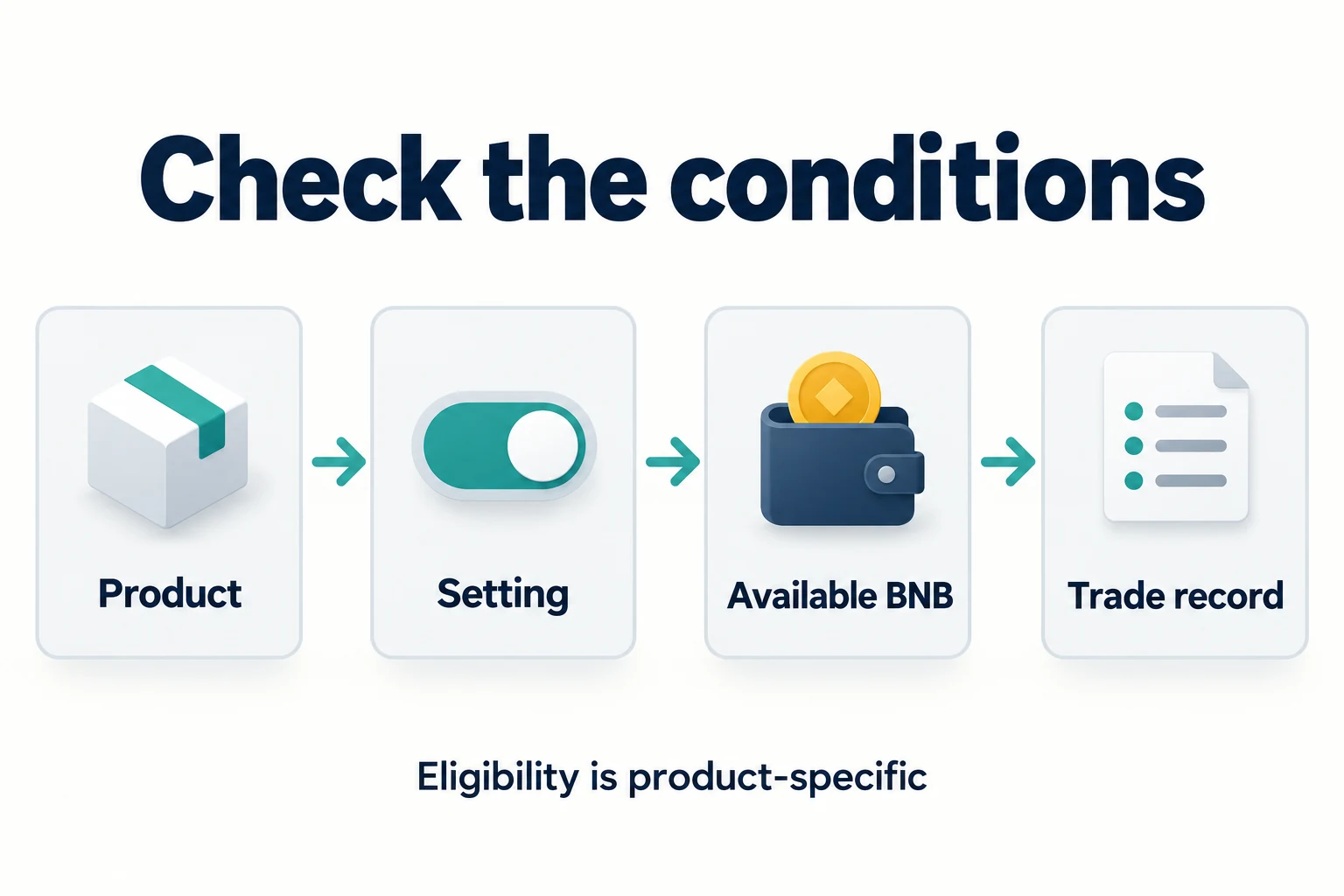
How paying fees with BNB works
- Open the fee settings inside the official Binance website or app.
- Check whether BNB fee payment is available for the relevant product.
- Enable the setting where appropriate.
- Keep enough available BNB to cover the fee.
- Confirm the assessed maker or taker rate and the actual deduction in account history.
Where to switch on the BNB fee discount
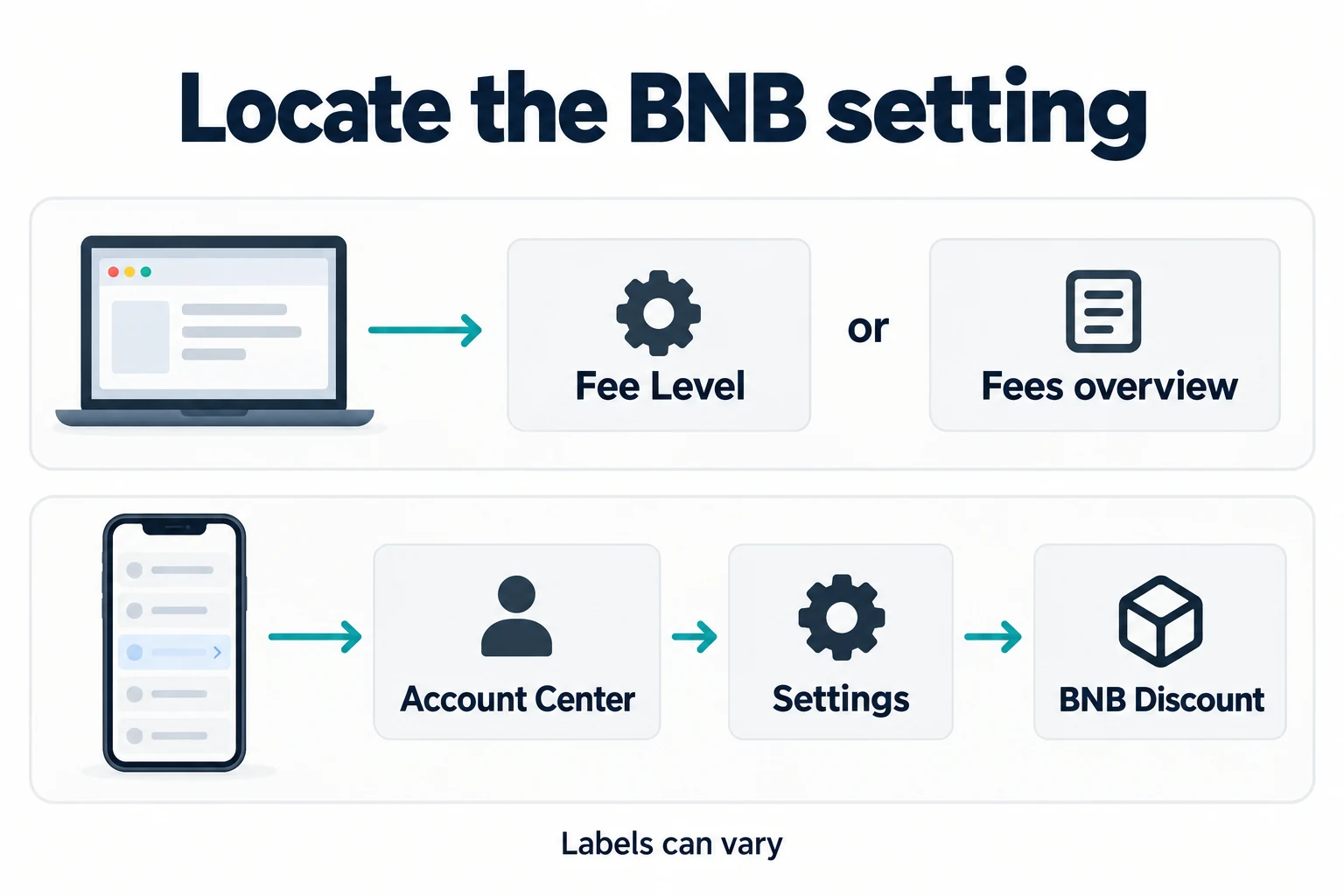
On the Binance website, open Spot Trading and check Fee Level, or open Fees & Transactions Overview and look for BNB Discount. In the Binance app, Binance documents Account Center → Settings → BNB Discount → Use BNB to pay fees; another route is Trade → Spot → … → Fee. Names and availability may vary by app version and region. Keep enough BNB in the Spot Account before the trade; switching the setting on alone is not enough.
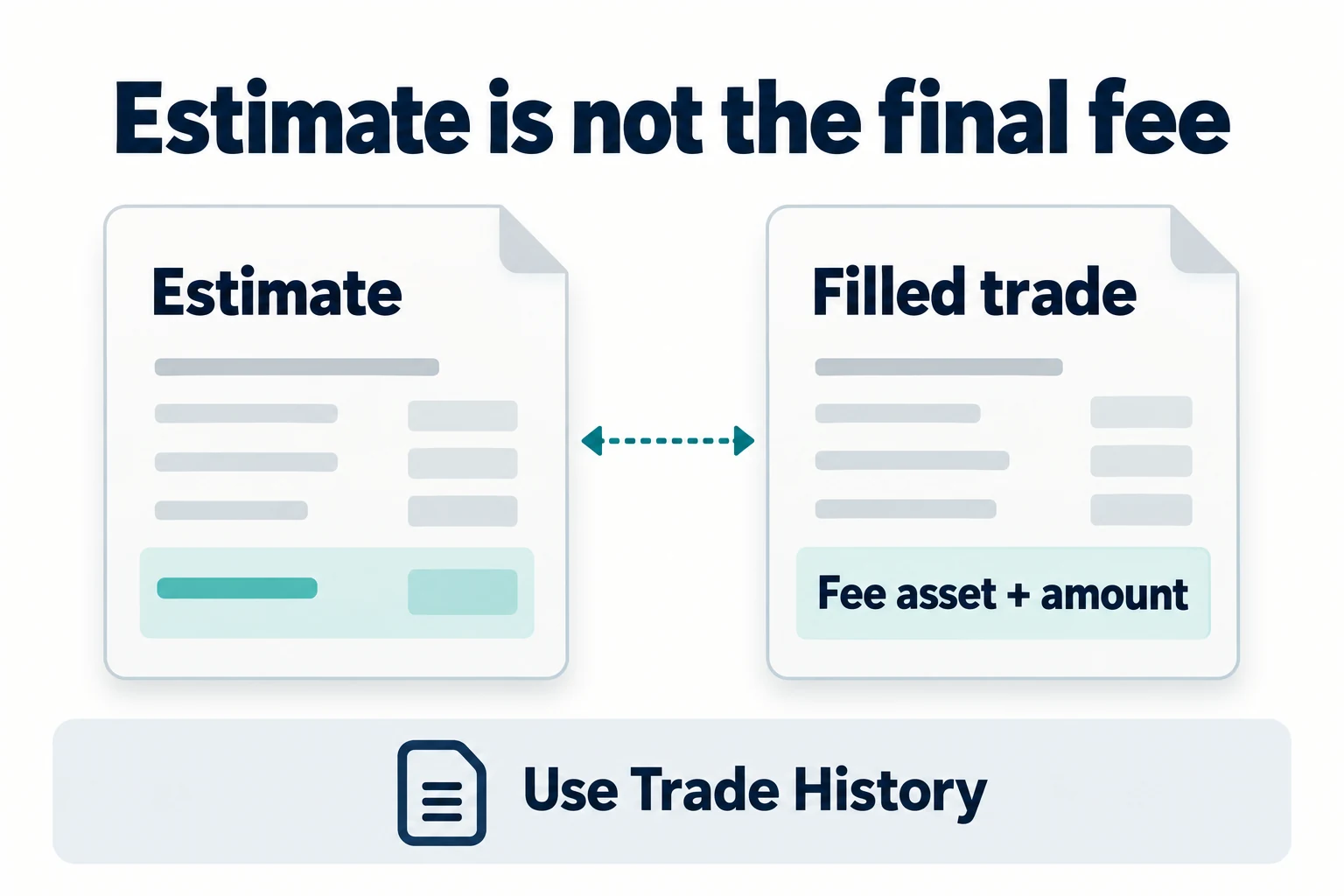
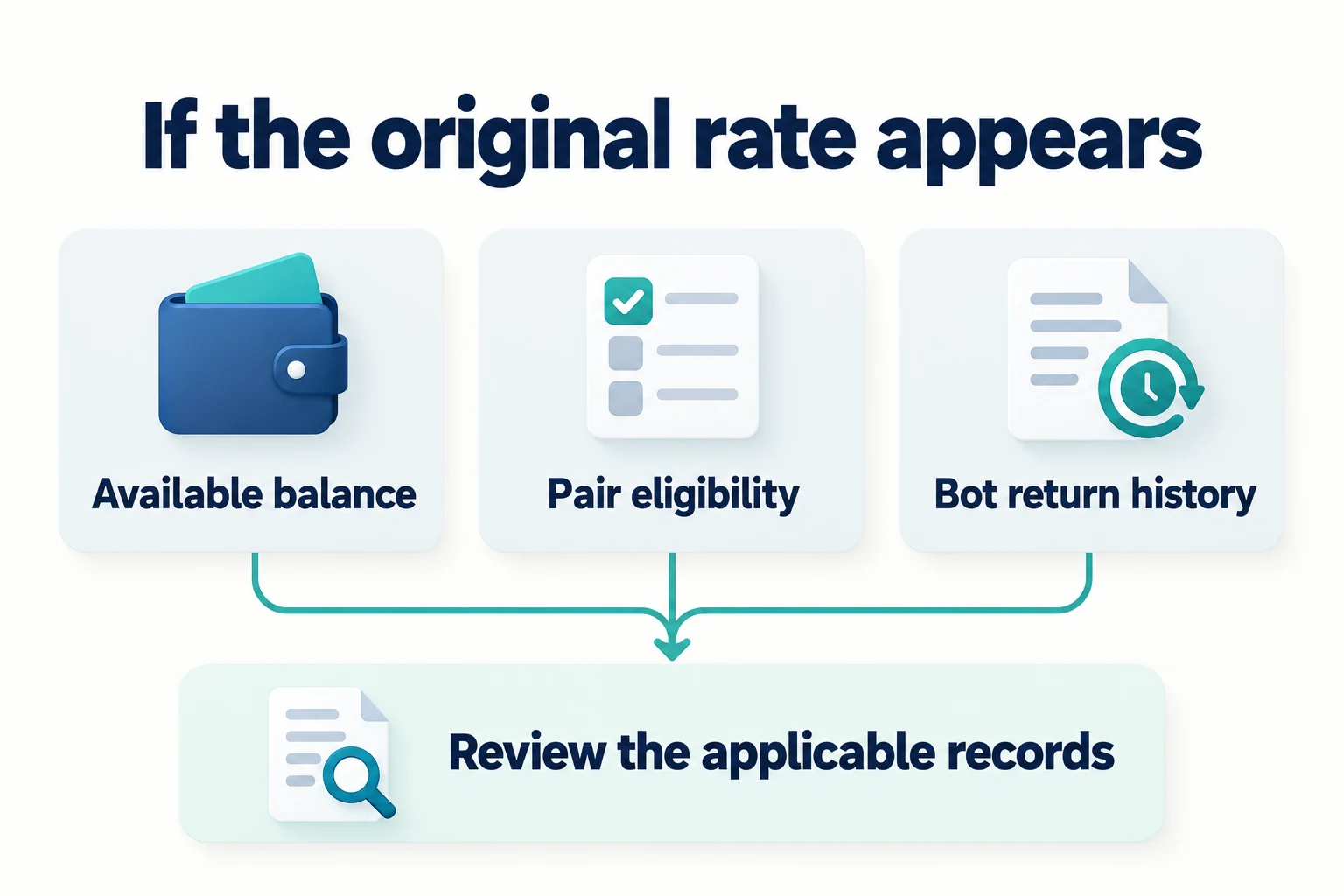
After a Spot order fills, inspect Trade History for the actual fee asset and amount. The pre-trade estimated fee is not the final charge. If the original rate was charged, first check the BNB balance, whether the pair and product were eligible, and whether the setting was active at execution. Binance also documents exceptions for very small-value assets and a separate refund path for trading bots.
Spot and Futures are different
Spot
Binance Support currently describes up to 25% off eligible Spot and Margin trading fees paid with BNB. VIP tier, pair promotions, and account conditions can change the base fee.
Futures
The same official guide currently describes up to 10% BNB fee-payment savings for eligible Futures fees. Funding, leverage, margin, and liquidation risk remain separate.
Worked fee examples
| Scenario | Calculation | Educational estimate |
|---|---|---|
| $10,000 executed Spot volume at 0.10% | $10,000 × 0.001 | $10.00 base fee |
| Same example with a 25% BNB reduction only | $10.00 × 0.75 | $7.50 |
| Hypothetical $10.00 fee and separately confirmed $2.00 rebate | $10.00 − $2.00 = $8.00 | $8.00 illustrative net cost; execution fee remains $10.00 |
This row assumes an actual separate rebate of $2.00; it does not establish a BIMENCE benefit or a universal 20% rate. The execution fee is charged first, while an eligible Referral Pro payment is separate; the official FAQ specifies USDC as the default settlement token. Its gradual net-fee calculation change starts on 2026-04-29 for Spot and 2026-07-15 for Futures and concerns the referral commission base, not an additional automatic reduction of the customer’s execution fee. Binance Referral Pro FAQ
Targeted review 2026-10-24: the revised explanations and linked sources only. Earlier review dates refer to earlier scopes, not a new verification of every account, region or live rate.
These examples are not a fee quotation. The actual order type, VIP tier, pair, product, BNB price and balance, account setting, region, rebate timing, and fee engine determine the result.
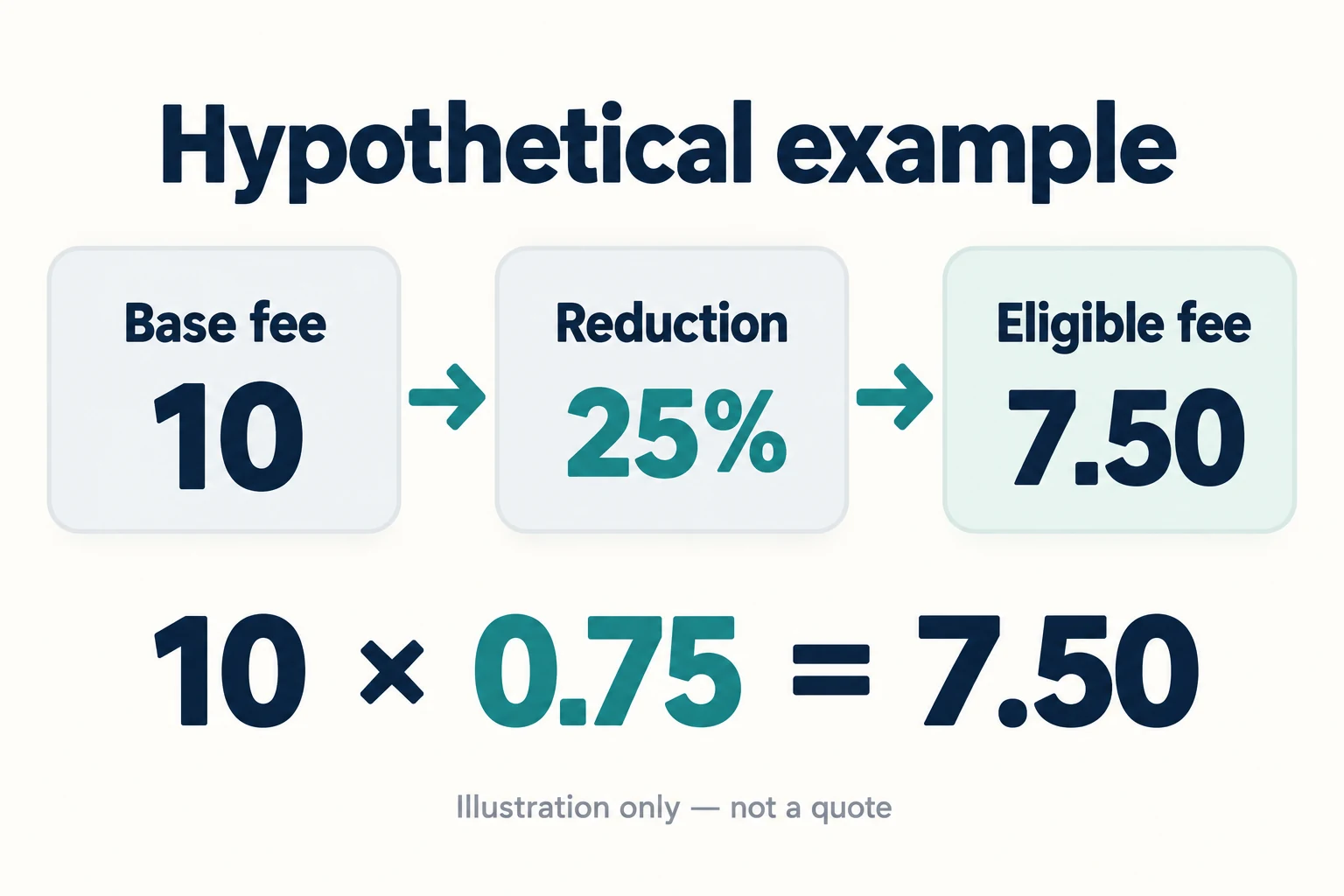
Why “20% + 25% = 45% off” is misleading
Other factors that change Binance fees
- Maker versus taker execution
- VIP tier and rolling volume or asset requirements
- Spot, Margin, Futures, Options, or another product
- Pair-specific zero-fee or promotional pricing
- Referral link configuration and user eligibility
- Funding, interest, spread, slippage, network, and withdrawal charges
- Regional availability and taxes
Does referral code BIMENCE activate the BNB discount?
No. BIMENCE is a registration referral code, while the BNB fee-payment setting is an account control on Binance. A referral rebate, if Binance displays one for the link and your account is eligible, is separate from paying an eligible trading fee with BNB. Before sign-up, check the code and any displayed rebate on the official Binance registration page. Read our Binance sign-up guide for the account steps; neither the code nor this guide guarantees a rebate.
Frequently asked questions
Is the Binance BNB Spot fee discount 25%?
Binance Support currently describes up to 25% for eligible Spot fees paid with BNB. The live account setting and current terms control.
Is the Binance BNB Futures fee discount also 25%?
No. Binance Support currently describes up to 10% for eligible Futures fee payment with BNB.
Can a referral rebate and BNB payment both apply?
They are separate mechanisms and may coexist when the account and product are eligible, but their headline percentages should not be simply added.
Does paying fees with BNB reduce trading risk?
No. It can affect an eligible fee, but not market, leverage, liquidation, custody, cybersecurity, liquidity, or regulatory risk.
Diagrams and captions checked 2026-10-18. These are Bimence explanatory illustrations, not official account screens. Product and account conditions apply. Official references: BNB · Spot · Referral Pro.
Official sources and review date
Reviewed September 27, 2026 against the Binance English support pages below. Confirm the current setting, fee rate and product eligibility in your own account before trading.
- Binance Support: Use BNB to pay fees (English) ↗
- Binance Support: Calculate Spot trading fees (English) ↗
- Binance Academy: How to Calculate Transaction Fees ↗
- Binance Referral Pro FAQ ↗